01 / TRACK
Know where you stopped.
Mark the exact season and episode for each series. EpisodePal remembers the position, not a vague watched checkbox that tells you nothing.
 EpisodePal
EpisodePal pairs an airing calendar with your tracked series, so upcoming episodes for every active show sit in one place instead of scattered across streaming apps, release news and memory.
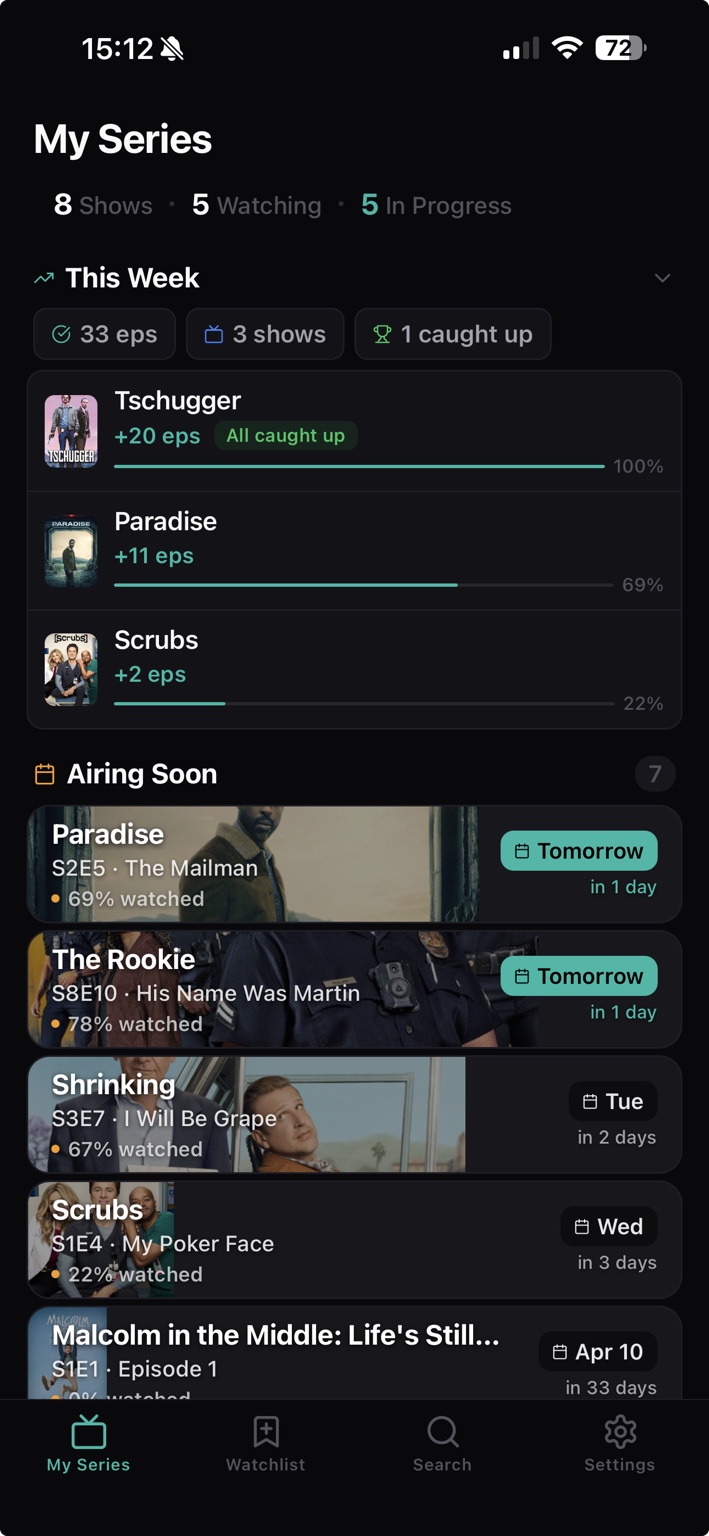
No manual dates, no separate calendar app to maintain. Your progress and the airing schedule live in the same app, so the two stay in step.
Mark the exact season and episode for each series. EpisodePal remembers the position, not a vague watched checkbox that tells you nothing.
Every tracked show carries its own upcoming episodes, so a returning season or a mid-season break stops being a surprise you find out about on social media.
One upcoming view collects premieres, returning seasons and weekly releases for everything you follow. Check it once, then get back to your life.
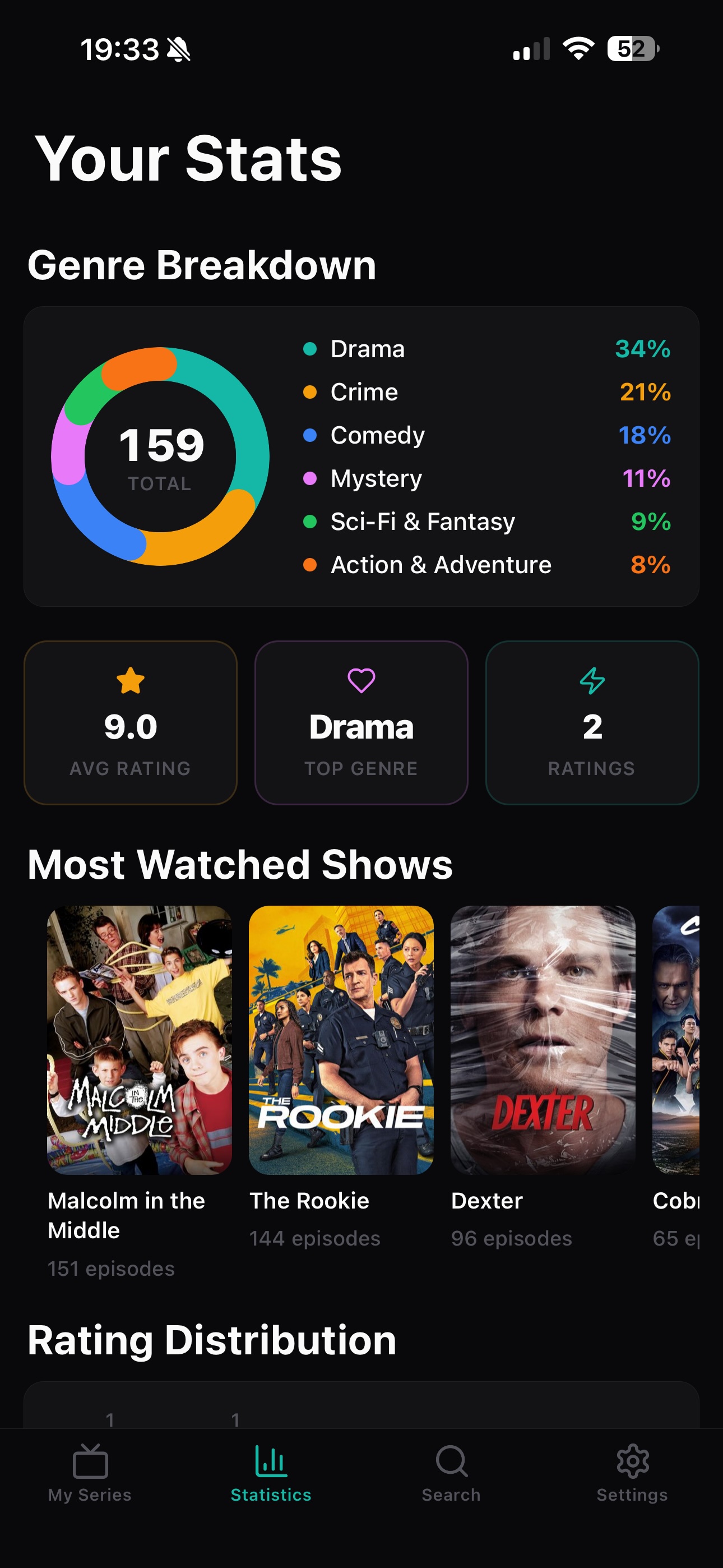
A general media tracker has to squeeze television in next to everything else you log, so air dates end up as one detail among many. A TV-only tracker treats the schedule as the main event.
The calendar holds television. Nothing from another category buries the episode you were actually waiting for.
Upcoming episodes sit next to your exact position, so the calendar reflects the shows you are actually watching, not everything you ever added.
Progress syncs over iCloud, so the schedule looks the same on every device you sign in on.
No behavioral or advertising tracking. EpisodePal does not build an advertising profile from your viewing behavior.
Community is optional. Community data is used only if you choose Community. Core account, sync, subscription, notification and watch-progress data are processed to provide the app.
Download EpisodePal on iPhone, add your series, and let the airing calendar keep the schedule so you do not have to.

Want ideas from real viewers? EpisodePal Community has public profiles, reviews and lists. Discover what people are watching.