01 / EXPORT
Get the data you own.
Download the available export or migration file from your current tracker.
 EpisodePal
Bring tracked series and available progress into EpisodePal from TV Time, IMDb, TMDB, Trakt or Simkl. Switching should not mean rebuilding years of television by hand.
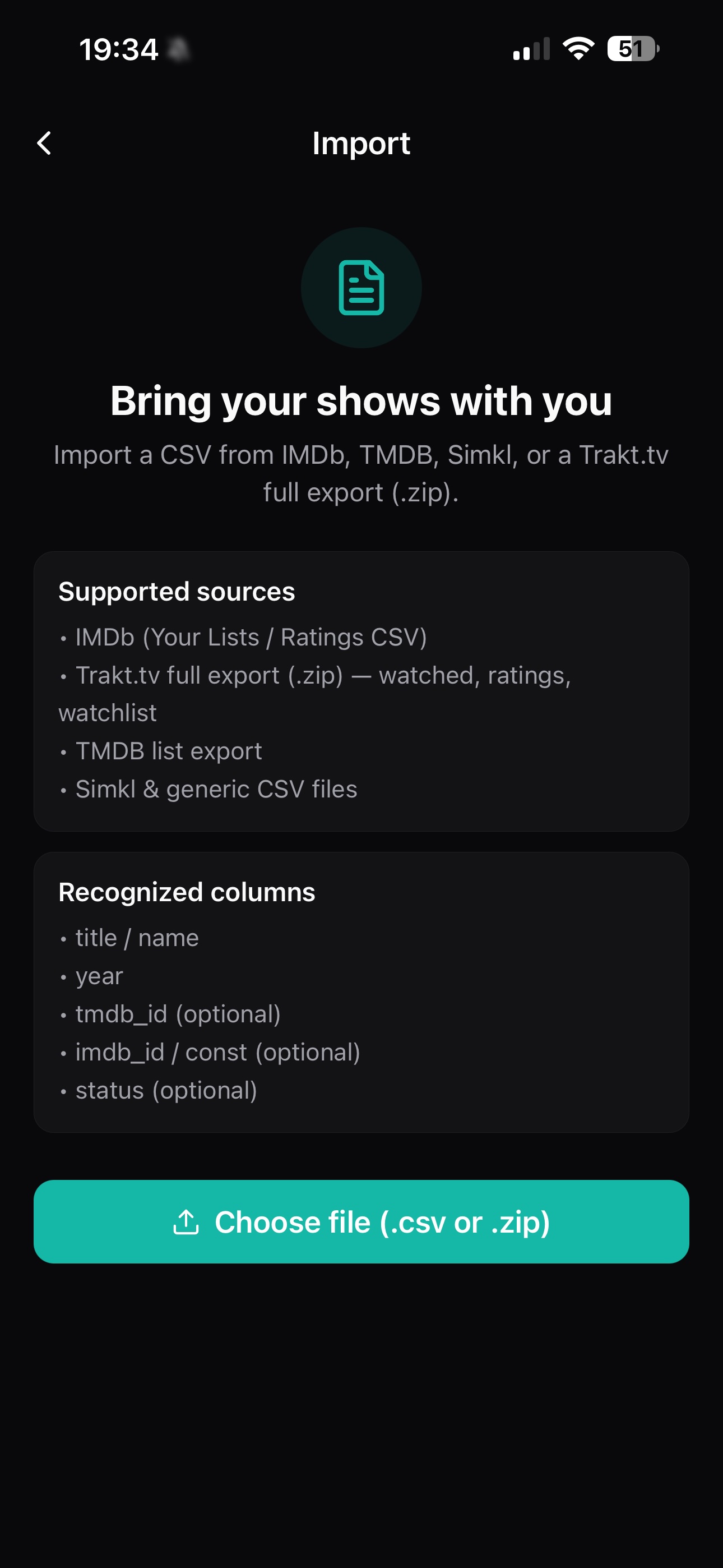
The exact fields available depend on the source file, but the goal is simple: preserve useful history and get back to watching.
Download the available export or migration file from your current tracker.
Choose the matching import route, select the file, and review the shows EpisodePal finds.
Keep tracking from the imported progress and let Up Next handle what comes after.
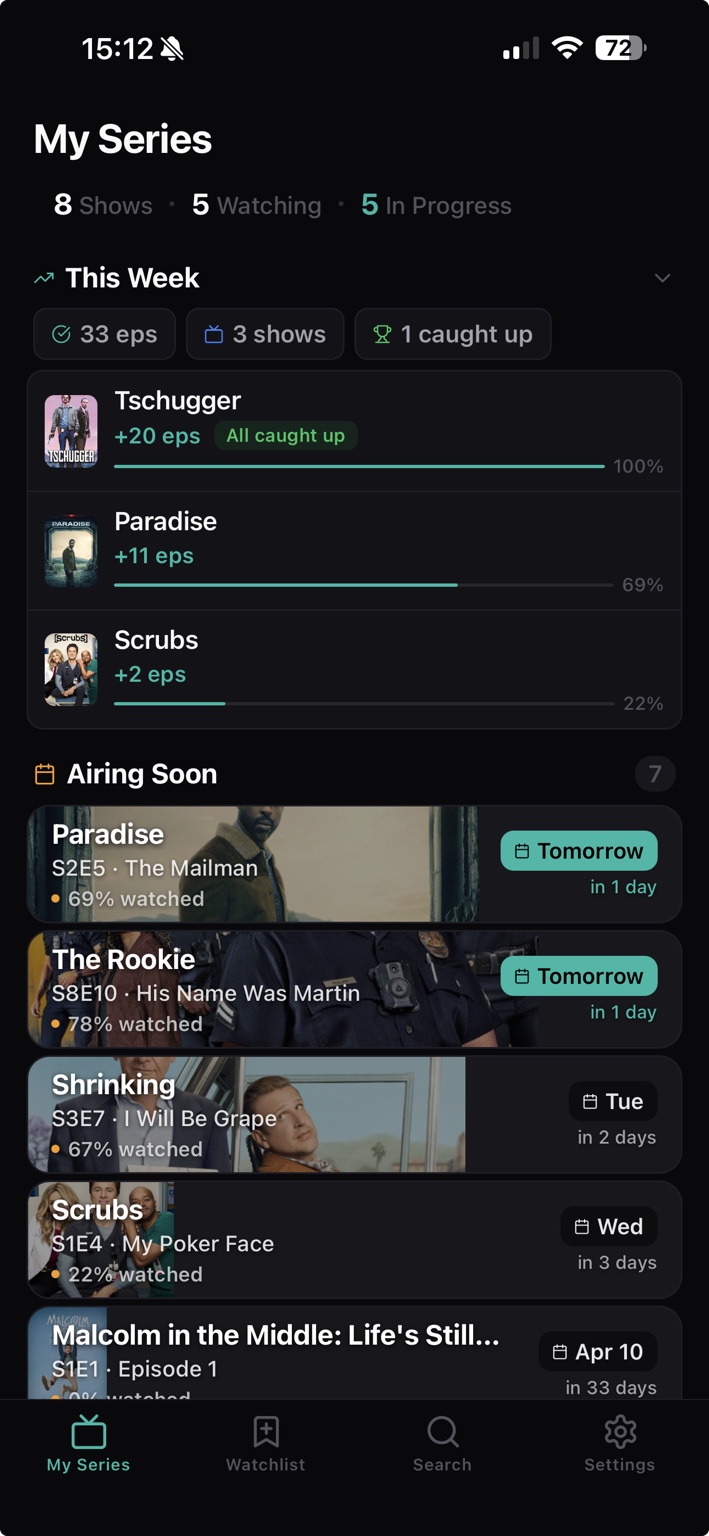
Once the shows arrive, EpisodePal turns old history into the next episode, the next release and a cleaner active-series view.
Keep season and episode position visible for every active series.
See new episodes and returning series together.
Build ratings, statistics, notes, lists and a watch journal from the history you keep.
No behavioral or advertising tracking. EpisodePal does not use viewing activity to target advertising.
Community is optional. Community data is used only if you choose Community. Core account, sync, subscription, notification and watch-progress data are processed to provide the app.
Download EpisodePal, choose the matching import route, and turn old tracker data into a useful TV library again.